1. Create a car and caravan profile
Choose the car-and-caravan vehicle type. Use the full travelling dimensions of the towing combination and the correct plated weights requested by the app. Check the caravan handbook and weight plate rather than relying on a sales listing or a similar model.
- Include the caravan’s maximum height and width.
- Account for permanent fittings, racks and anything carried externally.
- Use the combined travelling length where requested.
- Check gross and axle limits against the vehicle plates and manuals.
2. Choose the exact destination
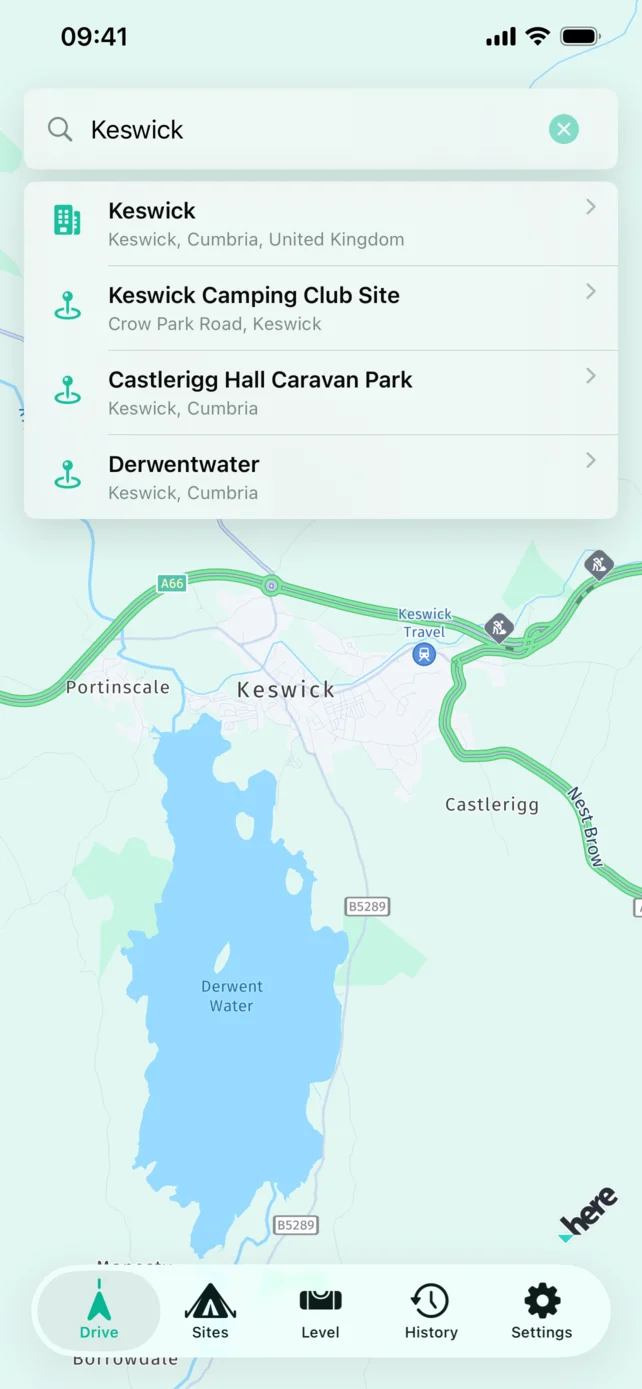
Search by campsite name, town, address or postcode. If the site appears in the UK campsite directory, open its details and make sure it is the intended location—not another site with a similar name.
Many touring sites have a preferred arrival road or warn against a narrow local approach. Read the booking confirmation and the site’s own directions. If those directions differ from the final part of any sat nav route, follow the campsite’s current arrival instructions.
3. Preview the whole route
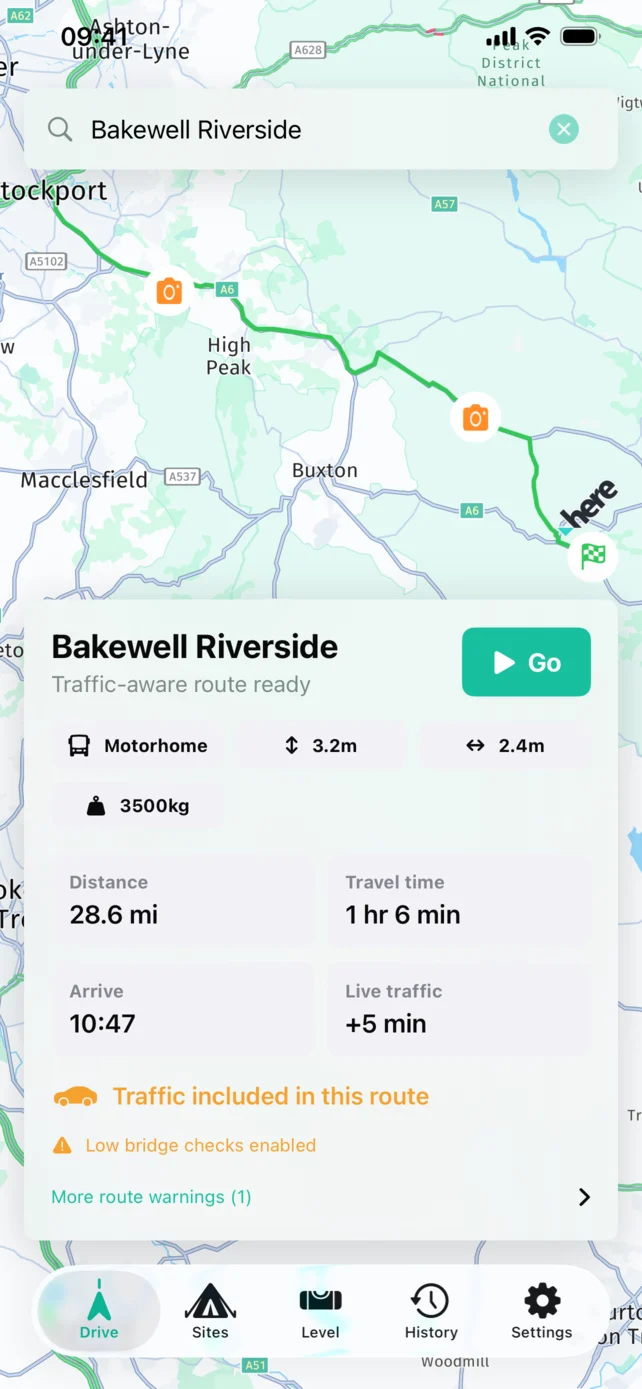
Do not wait until the outfit is moving. Review the route while parked and look at:
- The selected vehicle profile and its dimensions.
- Total distance, expected journey time and traffic delay.
- Motorways, major junctions and planned rest stops.
- The final approach to the campsite.
- Any toll, ferry or unpaved-road preferences.
A sensible route preview also makes it easier to recognise when a temporary diversion or road sign requires a change.
4. Complete the physical checks
A navigation app cannot confirm that the caravan is ready to tow. Before departure, work through the checks recommended by the vehicle and caravan manufacturers. These normally include the hitch and stabiliser, breakaway cable, electrical connection, road lights, tyres, mirrors, windows, roof lights, lockers, jockey wheel and corner steadies.
Confirm that the load is secure, permitted weights are not exceeded and the number plate is correct and visible. If you are unsure about loading, nose weight, towing entitlement or mechanical condition, get qualified advice before travelling.
5. Set off without rushing
Mount the iPhone securely or connect CarPlay before moving. Keep voice guidance at a useful level, leave extra space for braking and never interact with the phone while driving. Stop somewhere safe if the route or outfit needs attention.
Example: two campsites with similar names
Imagine a search returns a touring park and a nearby holiday park with almost the same name. Compare the address with your booking confirmation, then check the entrance on the route preview. A postcode alone may point to a wider rural area rather than the correct gate.
Prepare your next trip
Keep a note of the arrival instructions and review the vehicle profile again if your equipment or towing combination changes. Our vehicle dimensions guide explains how fitted equipment affects measurements. For dashboard guidance, see setting up Apple CarPlay.
Taking a dog? Use our dog-friendly campsite checklist before making a booking.
App features: official App Store listing. Check the listing for current compatibility and release details.
See our caravan sat nav overview for towing profiles, compatibility and pricing.